
Includes: Component, Site Module, Plugin
TicketLab
Run free events from your Joomla website. TicketLab lets you publish event pages, offer multiple free ticket types, take bookings, email individual QR tickets and check attendees in at the door. Manage bookings and attendee lists in Joomla, with a frontend dashboard for assigned organisers.
About this Extension
TicketLab helps you run free events on your Joomla website. Create event pages and ticket types, take bookings without payment, email individual QR tickets, and check people in at the door.
Made for free events
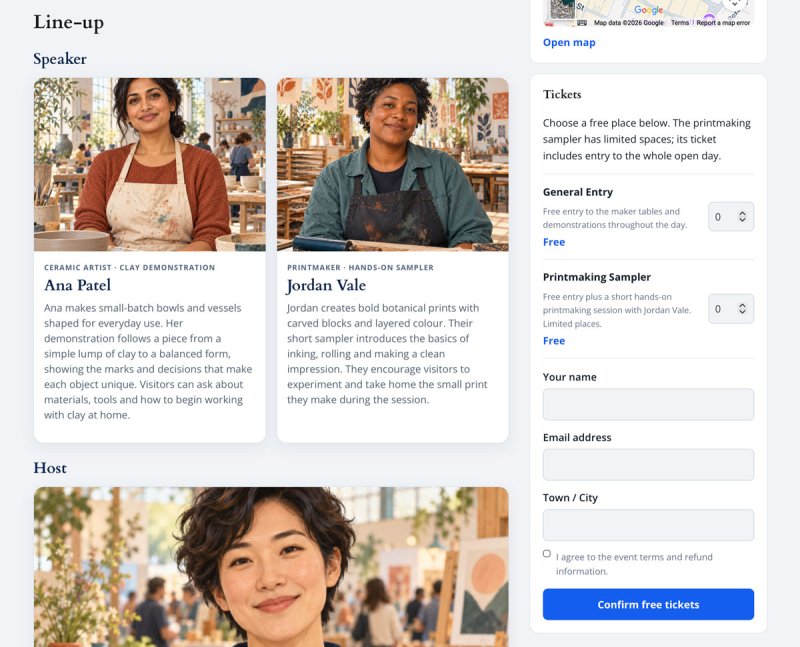
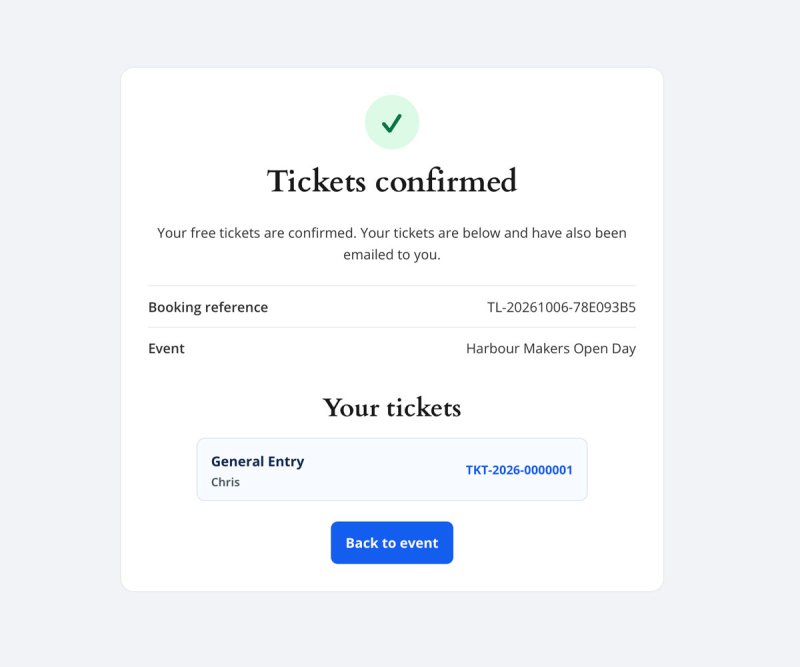
Use TicketLab for community gatherings, workshops, open days, performances and any event where admission is free. Visitors can choose ticket quantities and enter their contact details on your site. TicketLab records each booking and issues a separate admission ticket for each place.
See TicketLab in Action

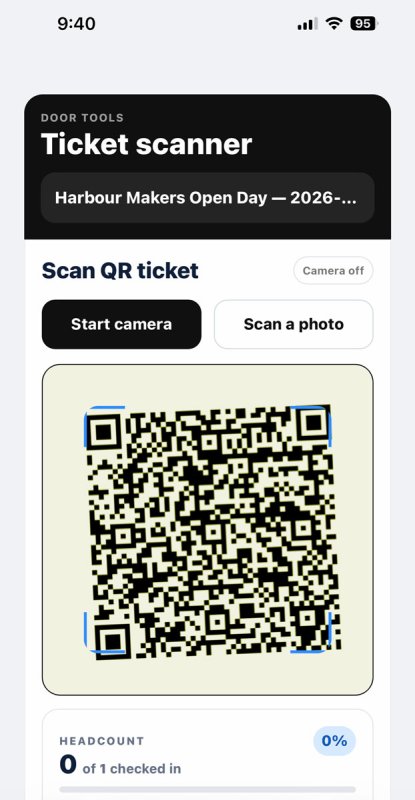
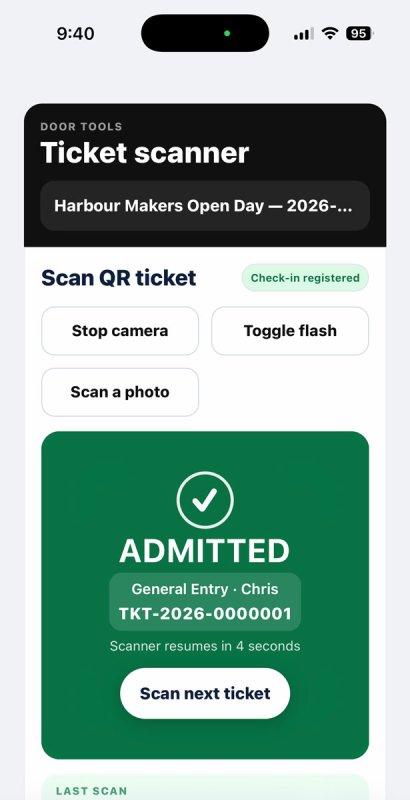
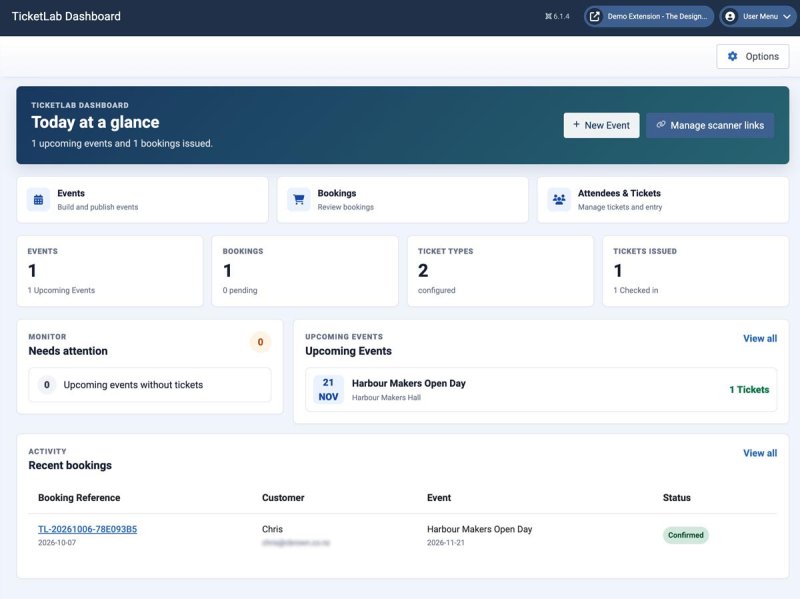
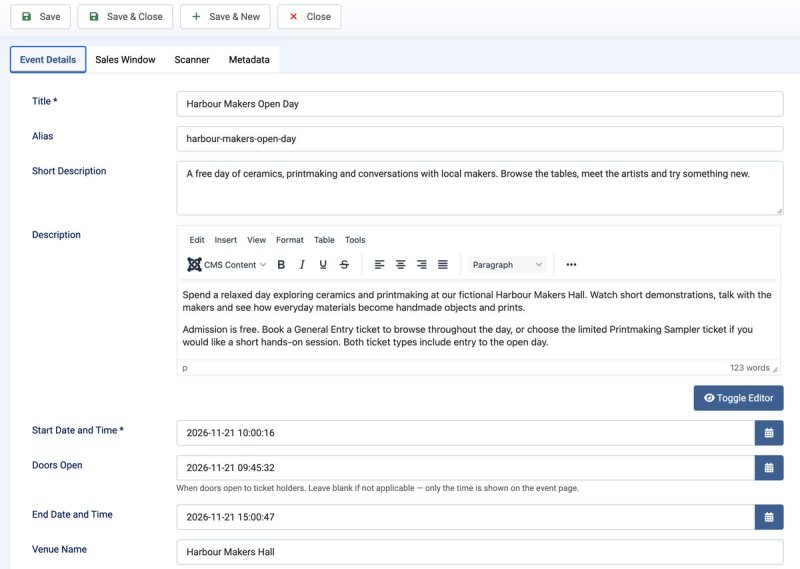
What is included
- Event pages: publish an upcoming-events list, a selected Single Event page and an event-specific Line-up page through Joomla menu items.
- Free ticket types: offer different ticket options with capacities, quantity limits, booking windows and optional attendee names.
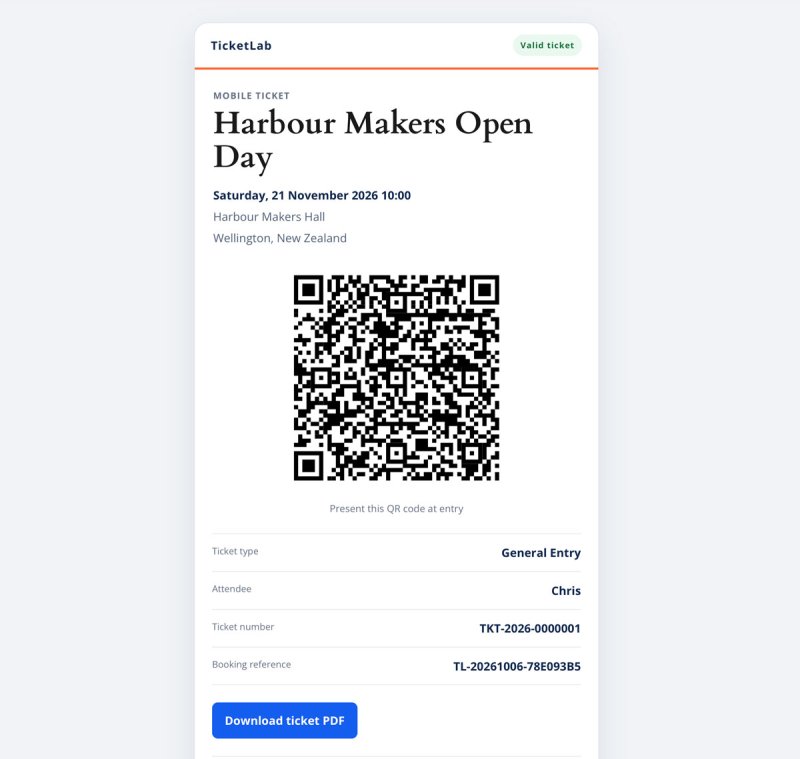
- Booking and delivery: collect booking contact details, email QR tickets and offer mobile ticket pages and printable PDFs.
- Door check-in: scan QR tickets on a phone or search manually, with feedback for tickets already used or for the wrong event.
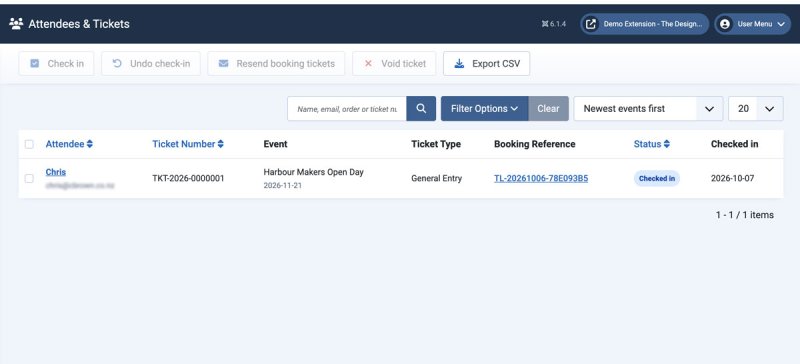
- Event operations: view bookings and attendees, resend tickets, export attendee CSV files and use the frontend organiser dashboard for assigned events.
- Companion modules: place the Line-up, Promo and Event Bar modules in your Joomla template positions.
Getting started
- Install the TicketLab package in Joomla and configure ticket email and scanner settings.
- Create an event and at least one published ticket type.
- Add an Events List or Single Event menu item. The Single Event selector displays published event names.
- Make a test booking, check the ticket email and scan a ticket before opening the event to visitors.
Requirements: the project targets Joomla 5.4 and 6.1, PHP 8.3 or later, a MySQL-compatible database and working Joomla mail delivery. Browser camera scanning requires HTTPS and camera permission. Confirm the supported Joomla versions against the published package.
TicketLab source code is distributed under the GNU GPL version 2 or later. The package includes the licence text and third-party notices.
Free vs Pro
TicketLab Free vs TicketLab Pro
| Feature | TicketLab Free | TicketLab Pro |
|---|---|---|
| Event list, single-event and line-up pages | Yes | Yes |
| Multiple ticket types with capacities and booking windows | Free tickets | Free or paid tickets |
| Online bookings and optional attendee names | Yes | Yes |
| Individual QR tickets, mobile pages, PDFs and email delivery | Yes | Yes |
| Mobile QR scanning and manual ticket search | Yes | Yes |
| Bookings, attendee lists and CSV export | Yes | Yes |
| Complimentary tickets | Yes | Yes |
| Frontend organiser dashboard | View assigned events, bookings and check-ins; scan and export | Also manage assigned events and ticket types |
| Line-up, Promo and Event Bar modules | Yes | Yes |
| Paid ticket sales through Stripe Checkout | No | Yes |
| Custom order and attendee registration fields | No | Yes |
| Multiple organisers per event | No | Yes |
| Waitlist and interest capture | No | Yes |
| Discount codes and paid add-ons | No | Yes |
| Event mailouts to ticket holders | No | Yes |
| Stripe refunds and event reports | No | Yes |
Both editions can be installed on the same Joomla site. They use separate component names and tables. Administrator actions depend on Joomla permissions.
Releases
- Create published events with venue, dates, description, capacity, images and booking windows.
- Create multiple free ticket types with quantity limits and optional attendee names.
- Publish Events List, Single Event and event-specific Line-up menu items.
- Take bookings on the event page with contact details and no monetary subtotal or total.
- Issue individual QR tickets with mobile pages, PDF downloads and email delivery.
- Use a mobile camera or manual search for door check-in, including already-used and wrong-event feedback.
- View Bookings and Attendees, resend tickets, export attendee CSV files and issue comp tickets.
- Use the organiser dashboard and the optional Line-up, Promo and Event Bar modules.